A world manager, backups before every launch and Ely.by sign-in
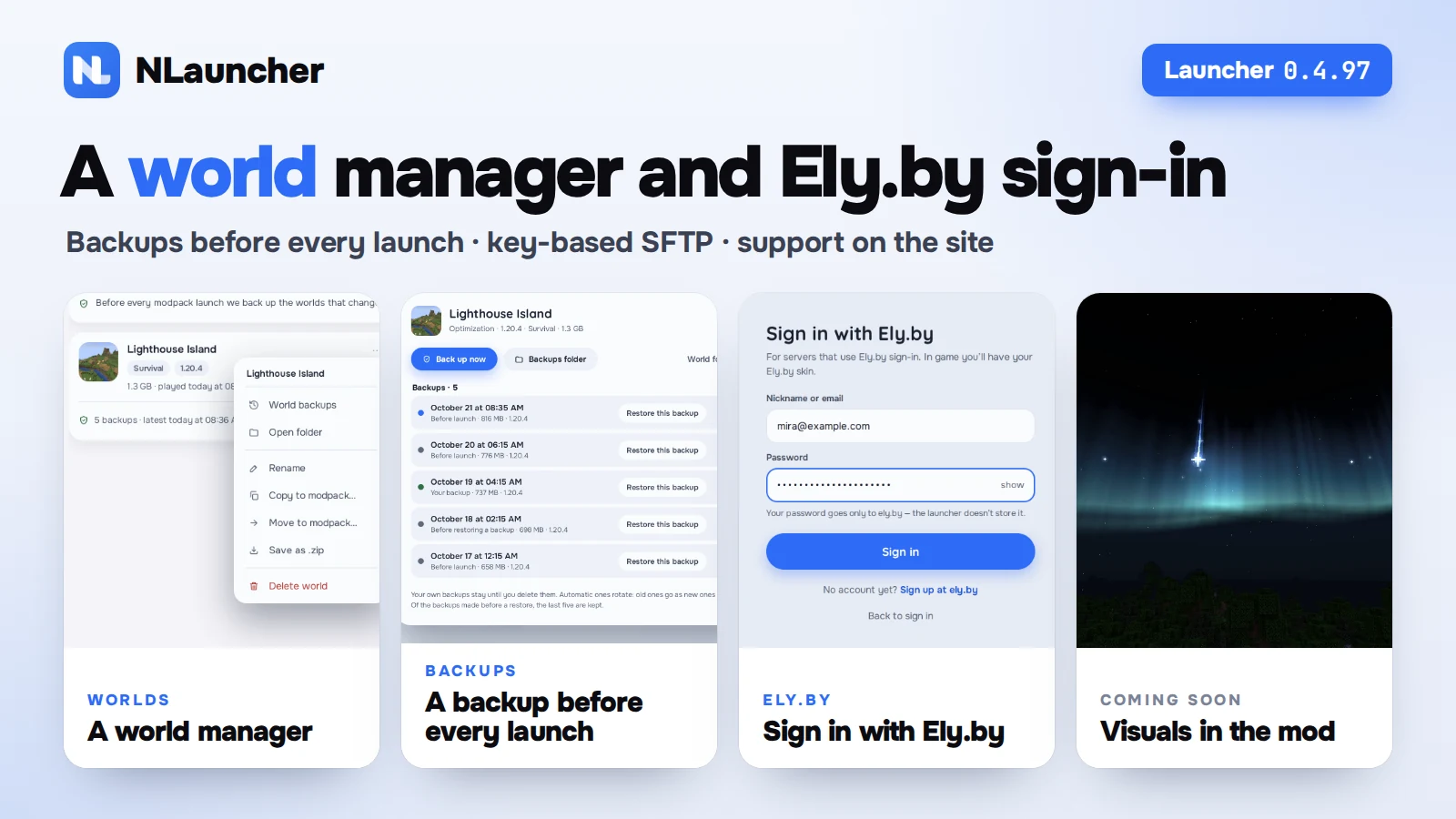
Launcher 0.4.96 and 0.4.97 are out, and the site now has support tickets with live replies. This time it’s mostly about worlds: you can manage them right in the launcher, and it backs them up before every launch. There’s also Ely.by sign-in and key-based SFTP for hosting servers. At the end — what we’re working on next.
The launcher updates by itself. Don’t have it yet? nlauncher.net/en/download.
- World managerRename, copy, move to another modpack, .zip.
- World backupsBefore every launch, the last 5 for each world.
- Ely.byYour own account and skin on Ely.by servers.
- SFTP with a keyNo password: one button and a FileZilla file.
- QuestsPlaytime no longer gets lost.
- Support on the siteTickets and replies right in your account.
A world manager
Moving a world from one modpack to another used to mean digging through folders. Now every modpack has a Worlds tab, and Modpacks has an All worlds view: worlds from every modpack in one list, with version, game mode, size and when you last played. You can search and sort them.
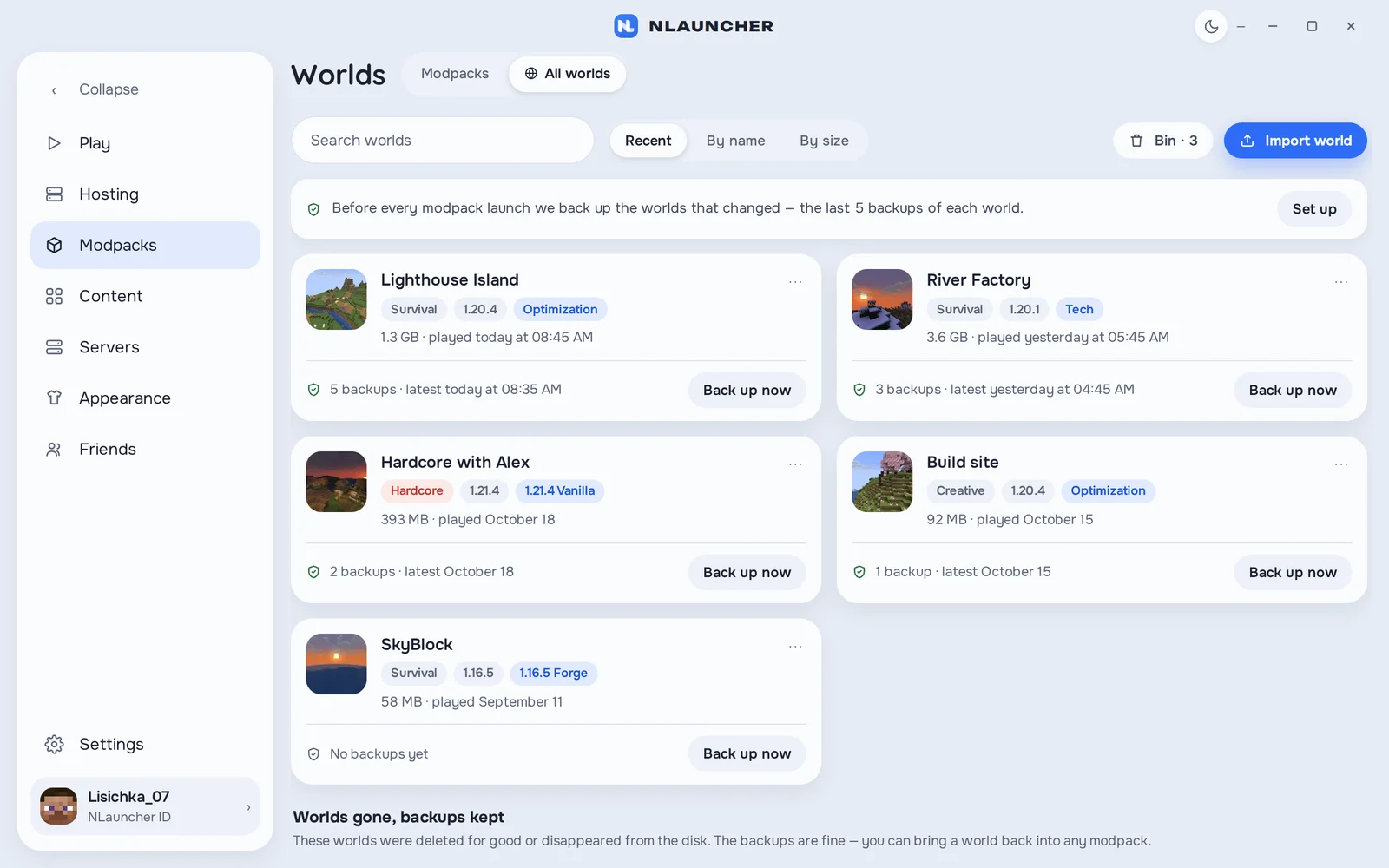
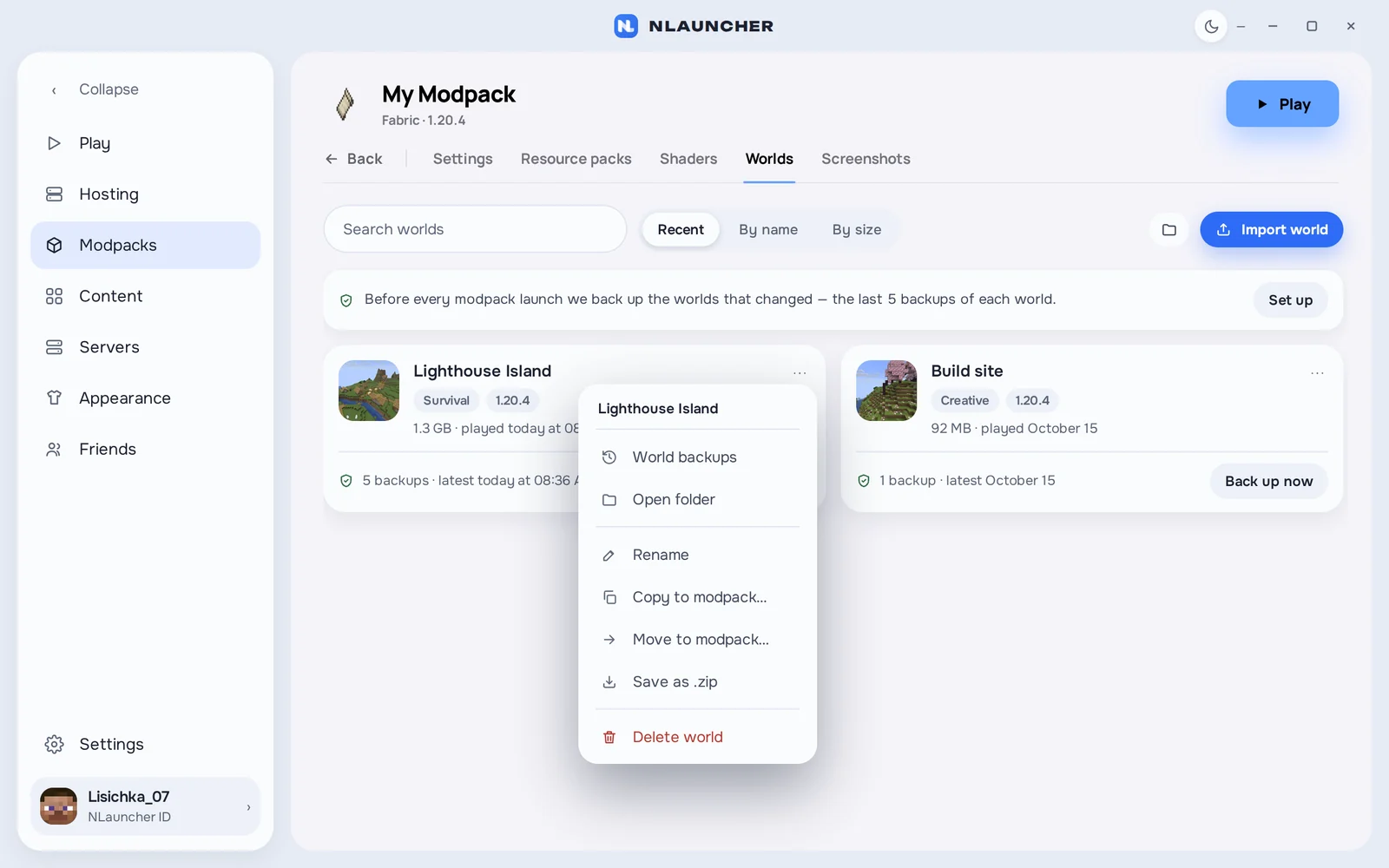
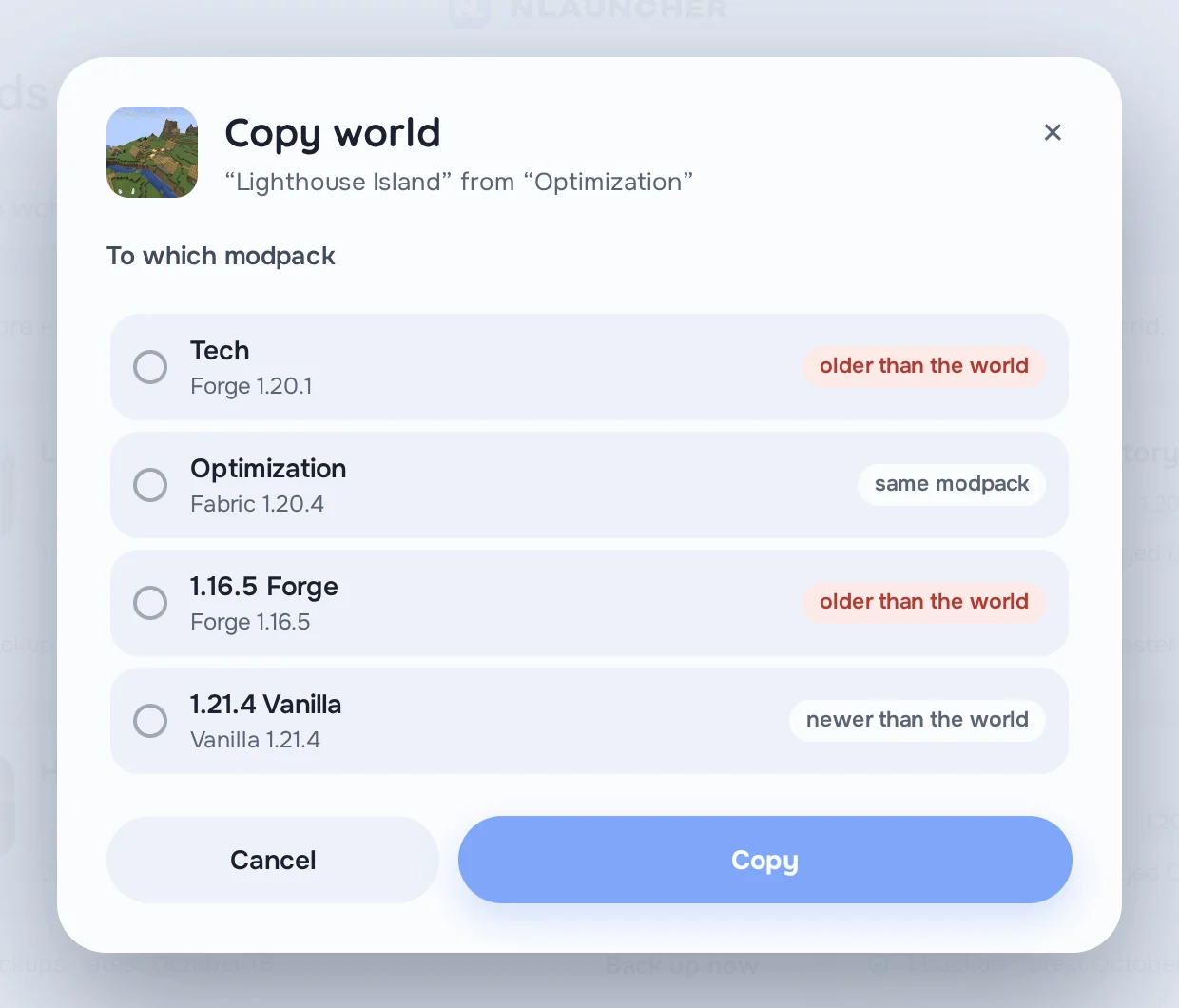
- Rename, copy or move a world to another modpack. If that modpack runs an older Minecraft version, the launcher warns you first — an older version can break a world.
- Save to .zip to send to a friend or keep as an archive. To bring a world back, just drop the .zip or the world folder onto the launcher window: it checks the archive and shows what’s inside.
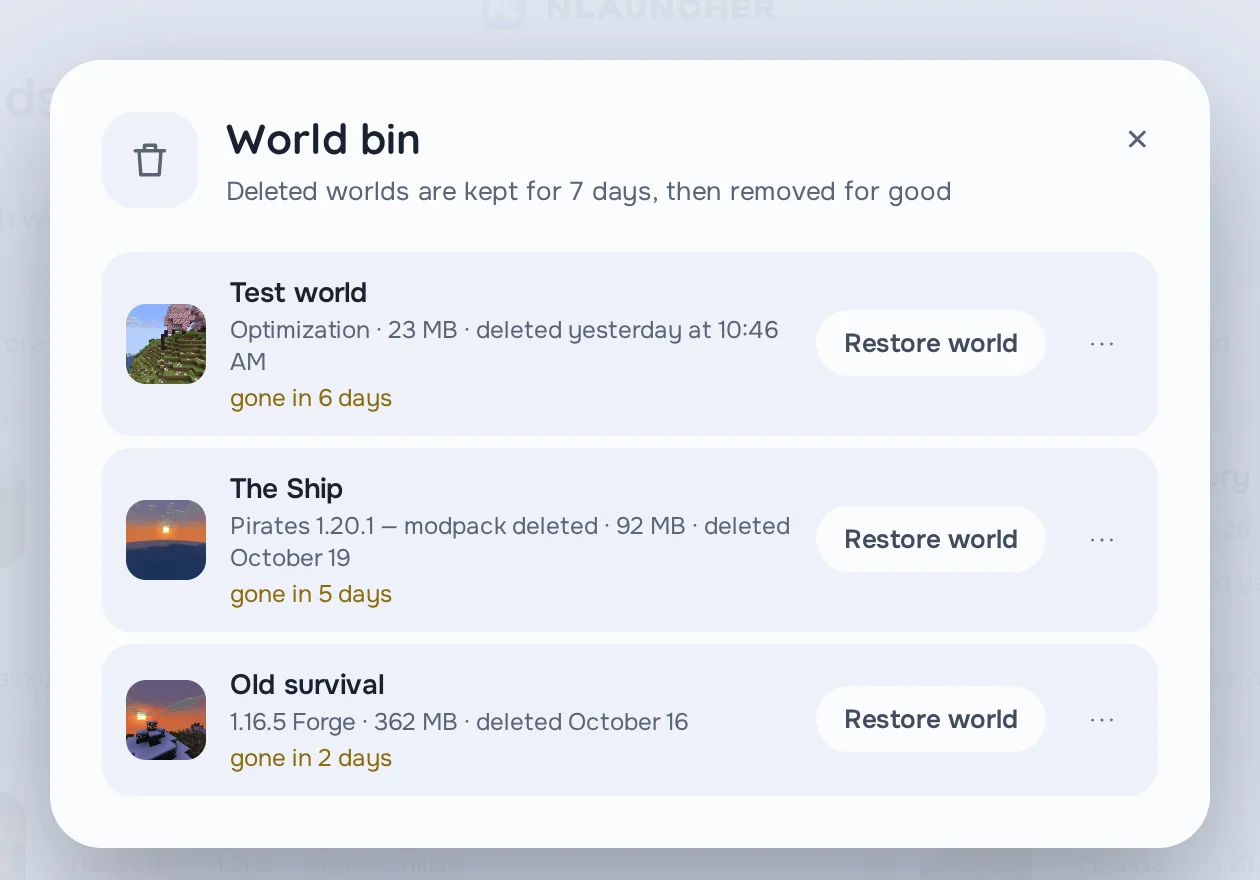
- A 7-day bin. Deleted a world by accident? It stays in the bin for a week. Restore it to the same modpack or a different one.
A backup before every launch
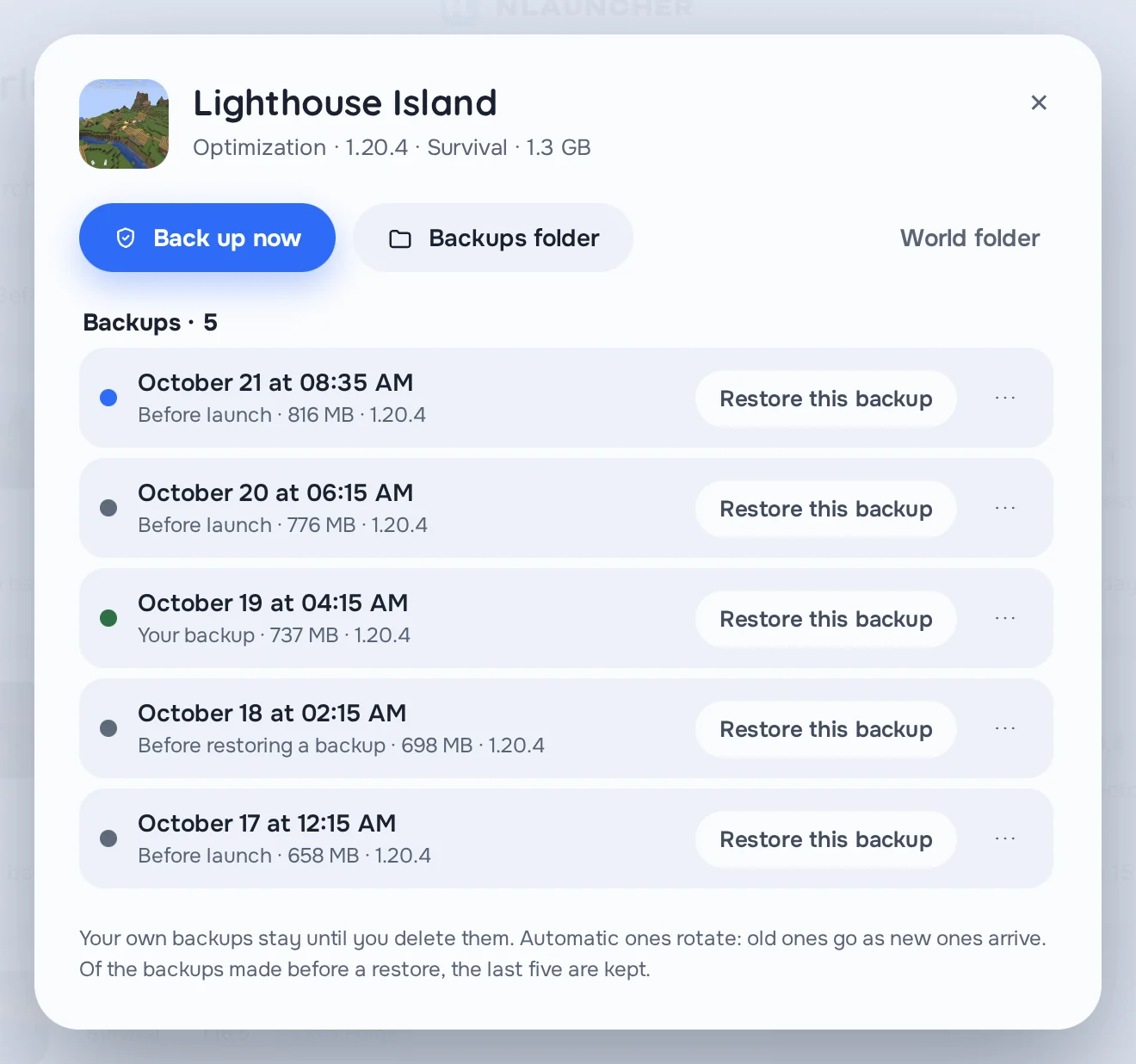
Before every modpack launch, the launcher saves the worlds that changed since last time. It keeps the last 5 backups of each world. A creeper took out your base, a mod corrupted some chunks, a friend set the village on fire “by accident” — open World backups and restore the one you need.
Before restoring, the launcher saves the world as it is now too, so you can change your mind either way. You can also make a backup by hand with Back up now. And if a world is gone but its backups are still there, you’ll find it at the bottom of All worlds and can restore it to any modpack.
Sign in with Ely.by
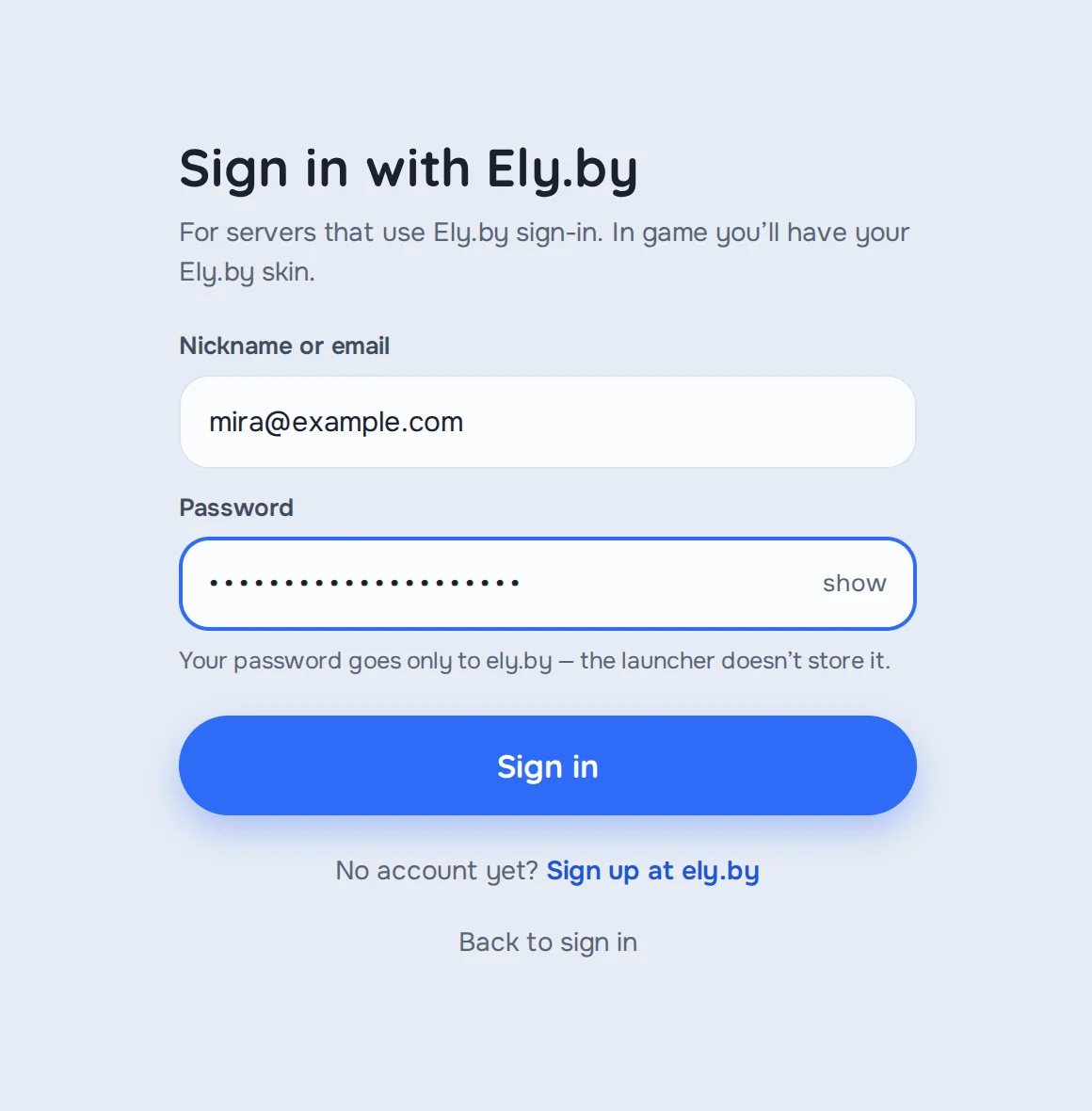
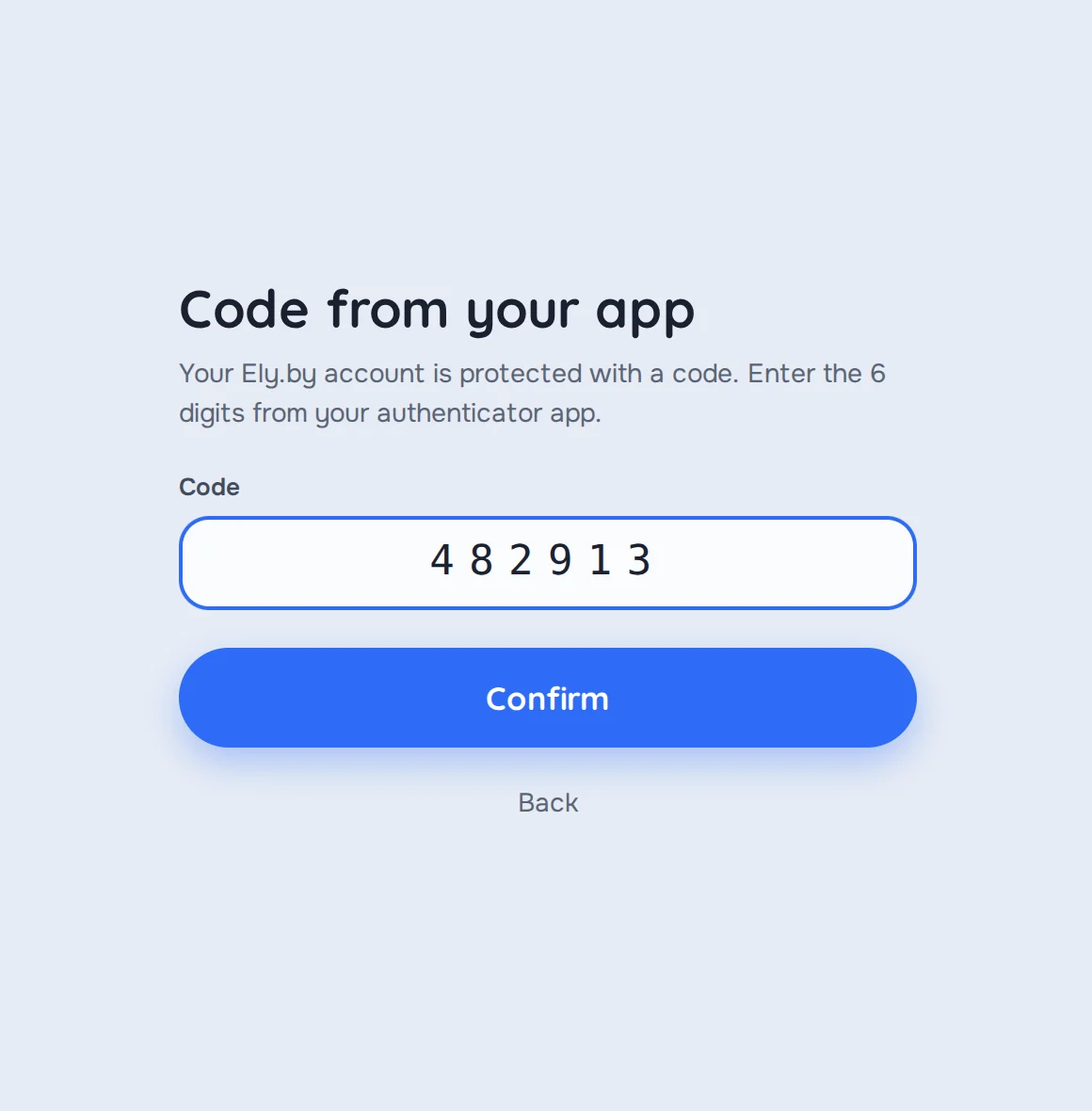
If you play on servers that use Ely.by accounts, you can now sign in right in NLauncher: your Ely.by name or email and password. If two-factor protection is on, the launcher asks for the code.
On those servers you play as your Ely.by account, with your skin from there. Your password only goes to ely.by — the launcher doesn’t store it.
NLauncher Hosting: SFTP with a key
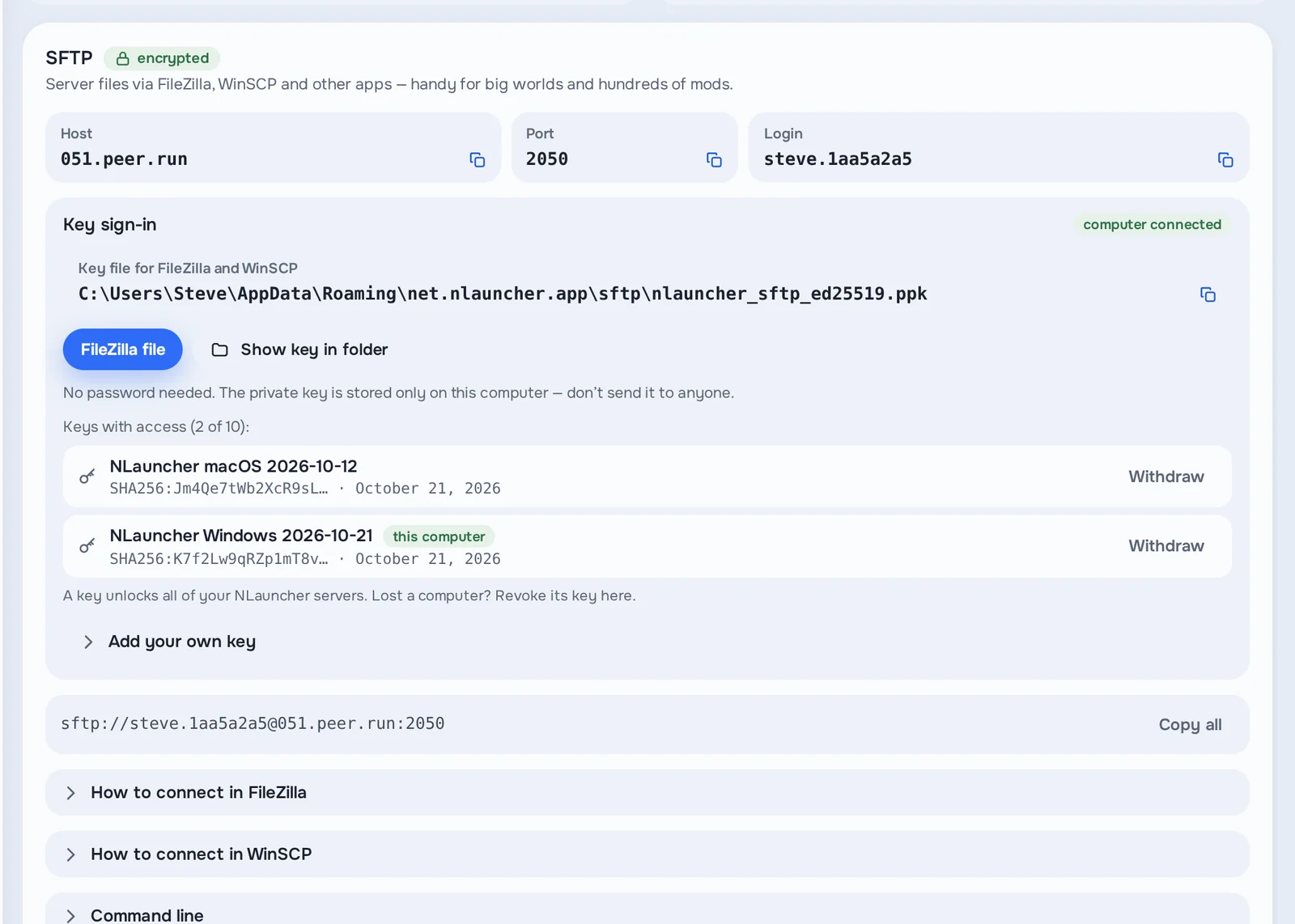
You can now open your server’s files in FileZilla, WinSCP or any other SFTP app — no password, just a key. In the SFTP card, press Connect this computer: the launcher creates the key itself, and the FileZilla file button sets up the connection. The private part of the key never leaves your computer.
Every connected computer is listed right there. Lost a laptop? Revoke its key with one click. Have your own SSH key? You can add it too. Handy for big worlds and modpacks with hundreds of mods.
When the hosting machine doesn’t answer
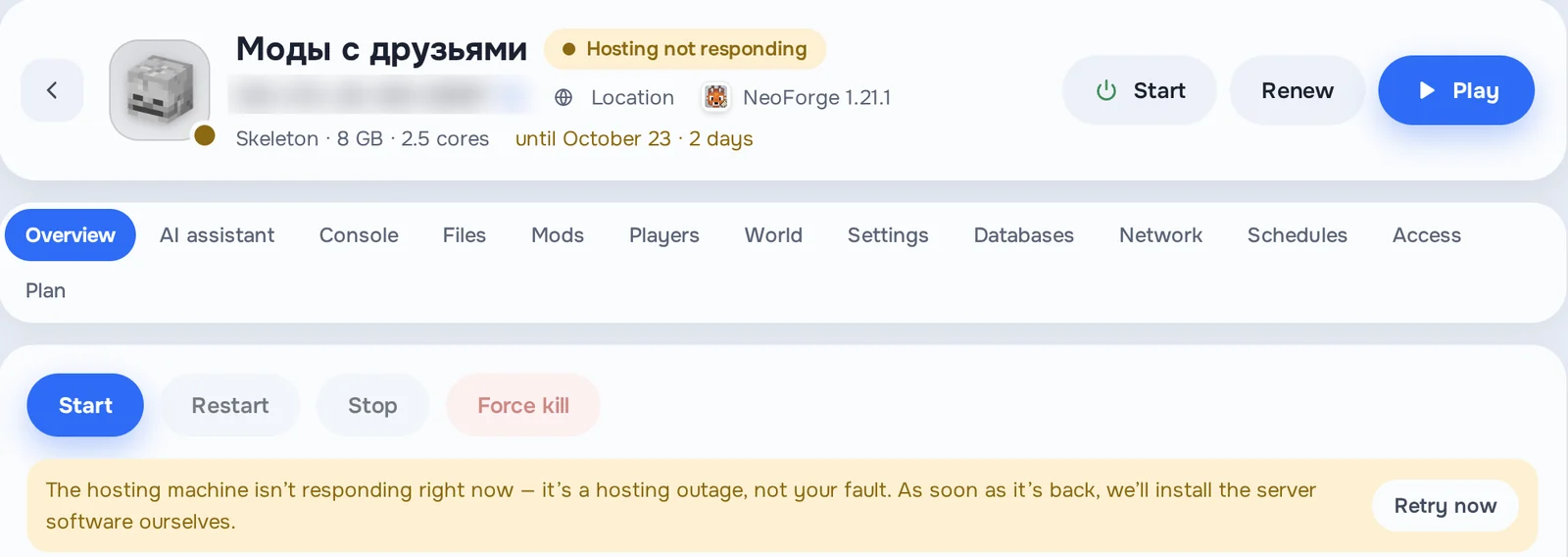
Sometimes the hosting machine doesn’t answer while the server core is being installed. Before, the only way out was to reinstall the server. Now the launcher tells you plainly that the machine isn’t answering and it’s a hosting problem, not yours, and offers to retry the install — no need to reinstall the server.
Quest playtime no longer gets lost
If your settings say Close launcher after the game starts, the launcher now only hides its window and keeps counting until you quit the game. And if it does get closed or restarted mid-game, next time it finds the running game and carries on counting. Playtime quests now count the way they should.
Support, right in your account on the site
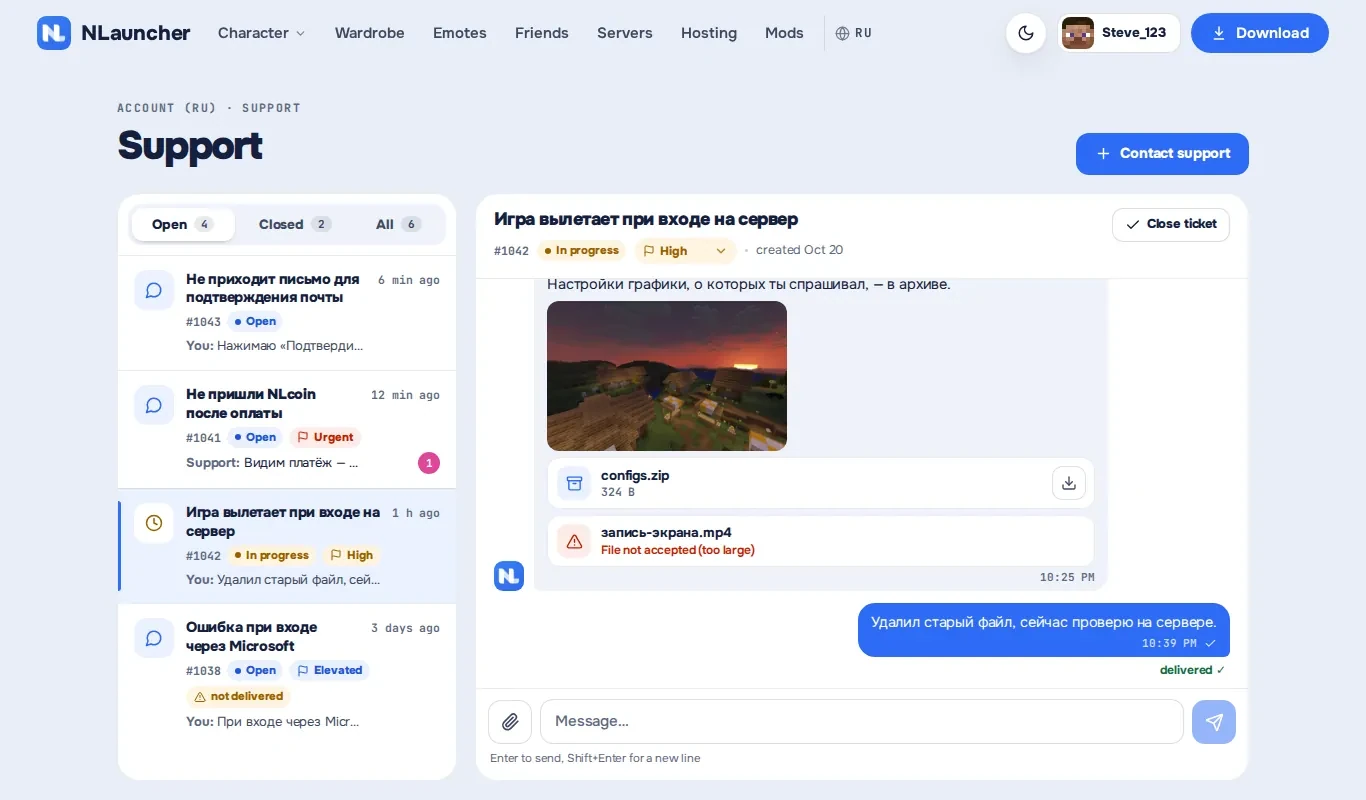
Your account on nlauncher.net now has a Support section. Write a ticket, attach a screenshot or a file, and replies land in the same thread straight away — no need to refresh. A badge in your account tells you about a new reply even when you’re on another page. All your tickets, open and closed, are in one place.
And the support chat on the site now knows who you are when you’re signed in, so you don’t have to explain it again.
Coming soon: visuals in the NLauncher mod
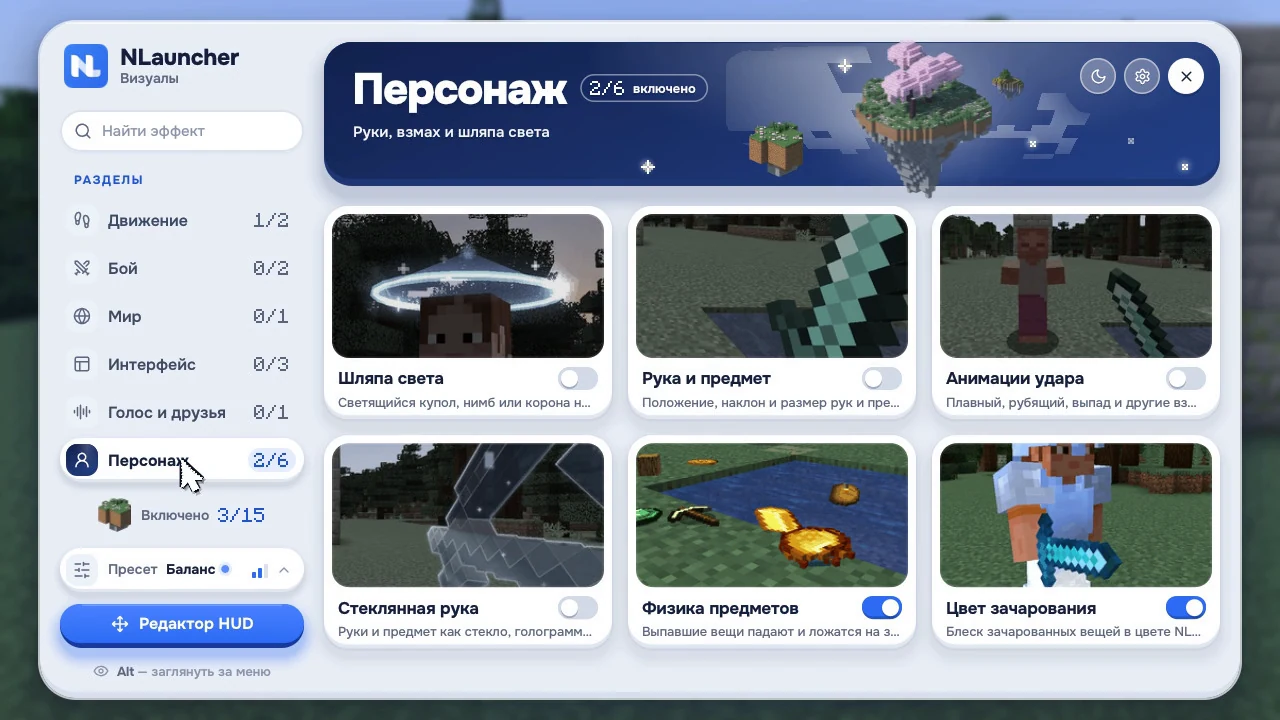
This isn’t out yet — here’s what we’re working on. Visuals are coming to the NLauncher mod: a menu on Right Shift and dozens of modules you turn on one by one. The menu comes in light and dark.
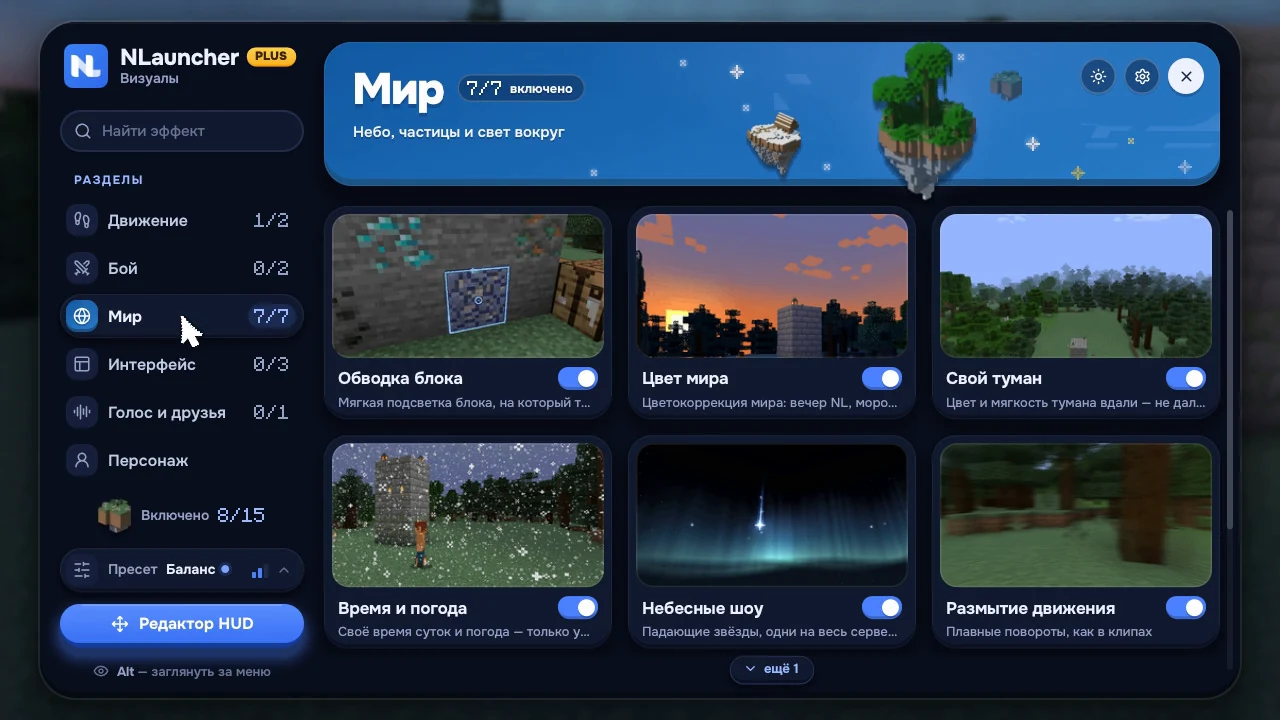
- Combat: target marker, hit colour, hit streak. Hitboxes, damage numbers and a target card are there too, but off by default.
- Character: swing animations, hand and held item, jump rings, a “hat”.
- World: world colour, fog, time and weather. Shooting stars — everyone on a server sees the same star — and the northern lights.
- Particles: beams over loot, block-breaking particles, totem, XP, fireflies around lanterns.
- Interface: module list, keybinds, effects, armour and totems, cooldowns, coordinates and a HUD editor — you place everything yourself.
- Friends and voice: the Island — friends online, messages, calls and music from your computer, right in the game. Friends nearby — only if they agree.
- Projectiles and camera: arrow and pearl trails, zoom, a calmer camera.
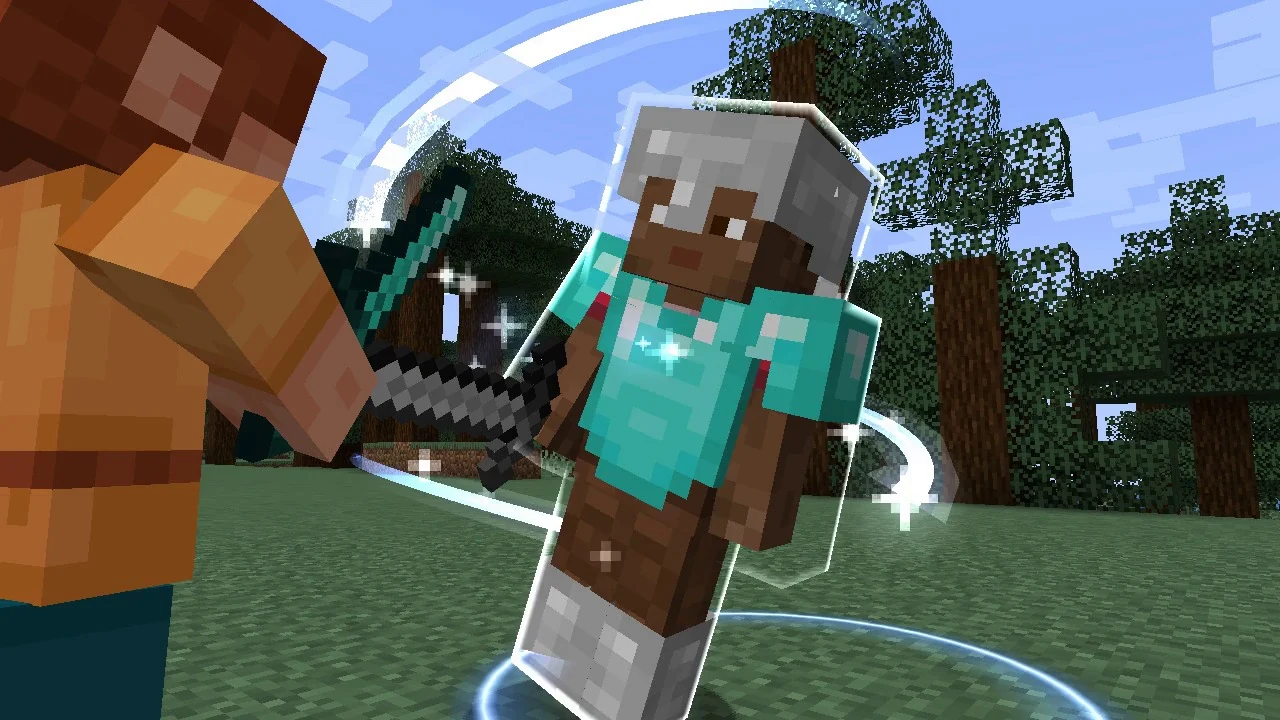
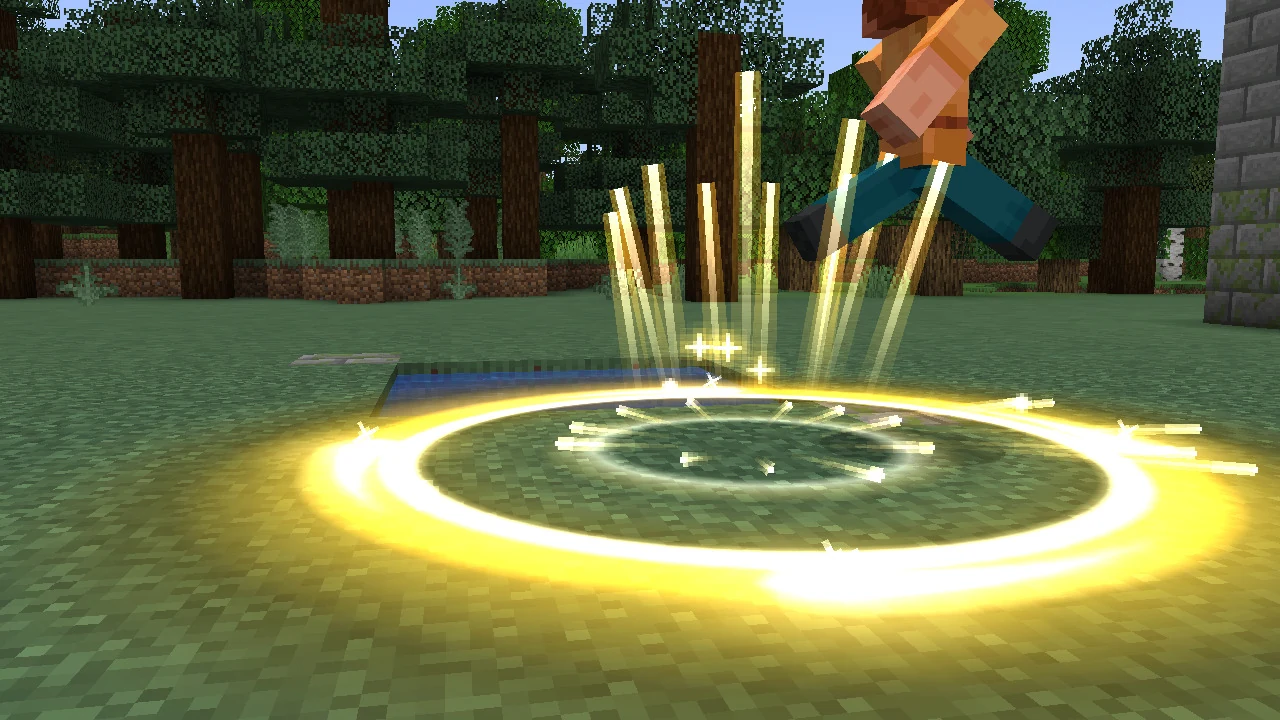
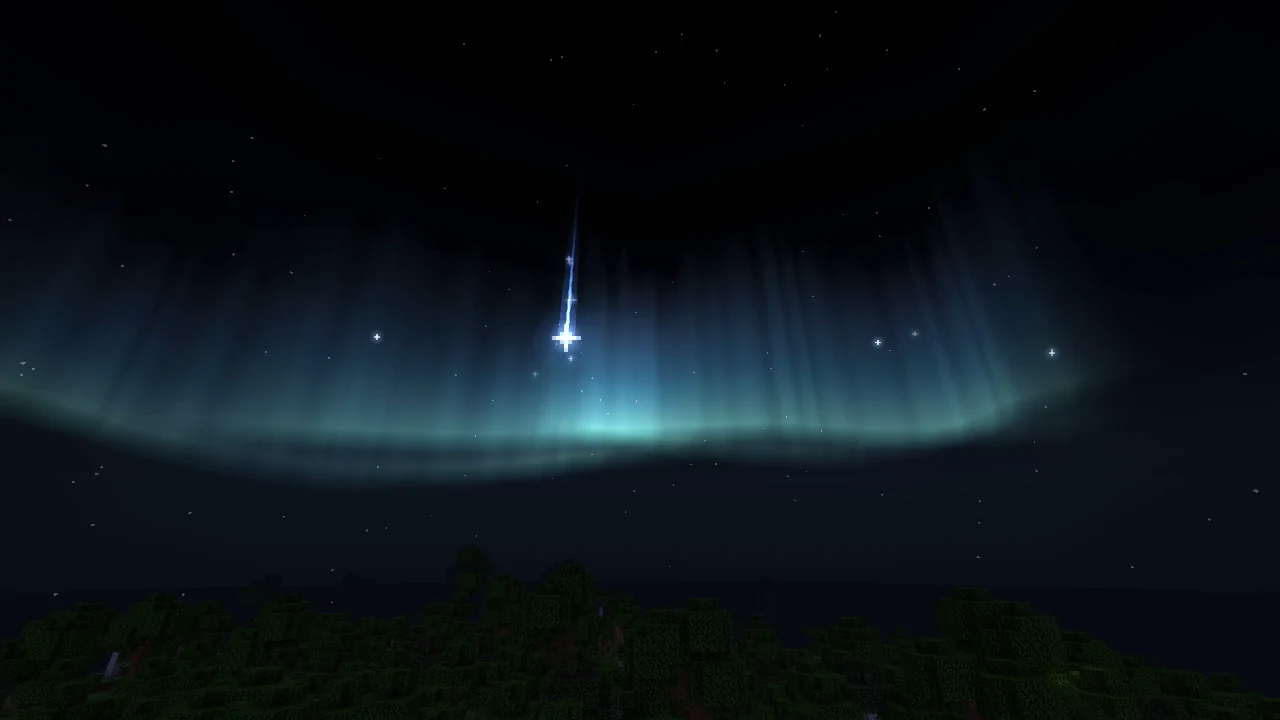
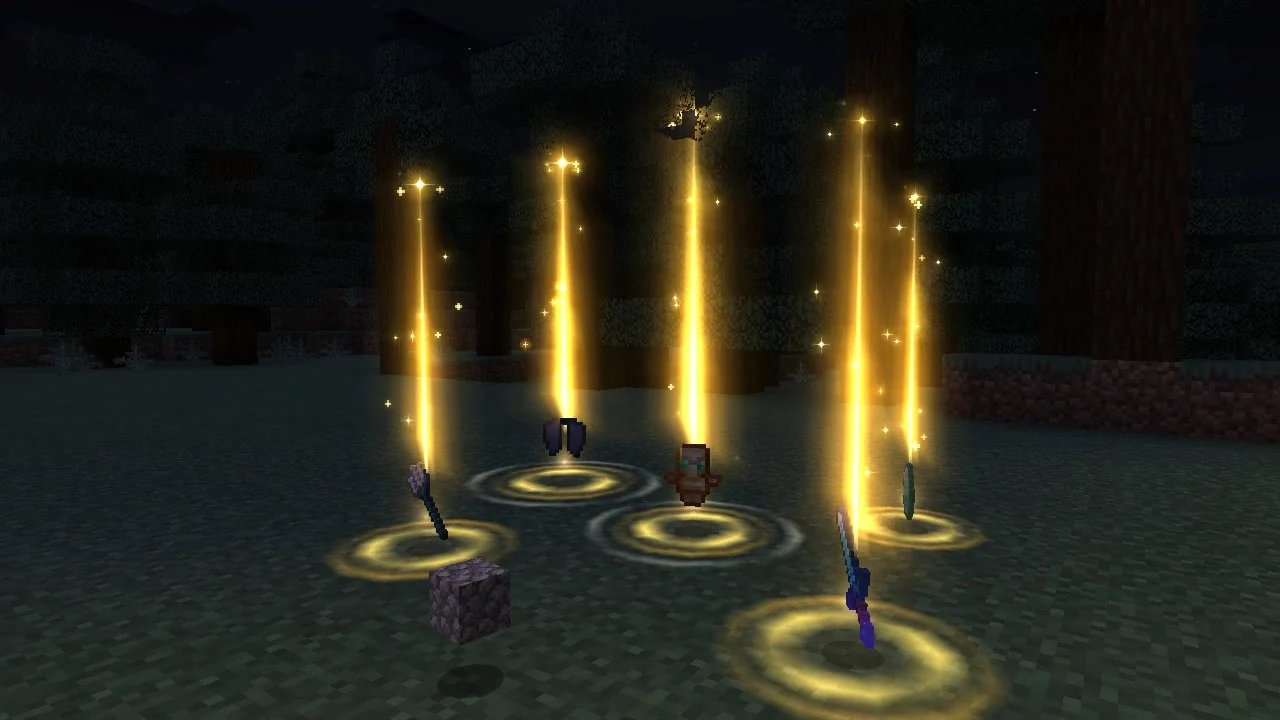
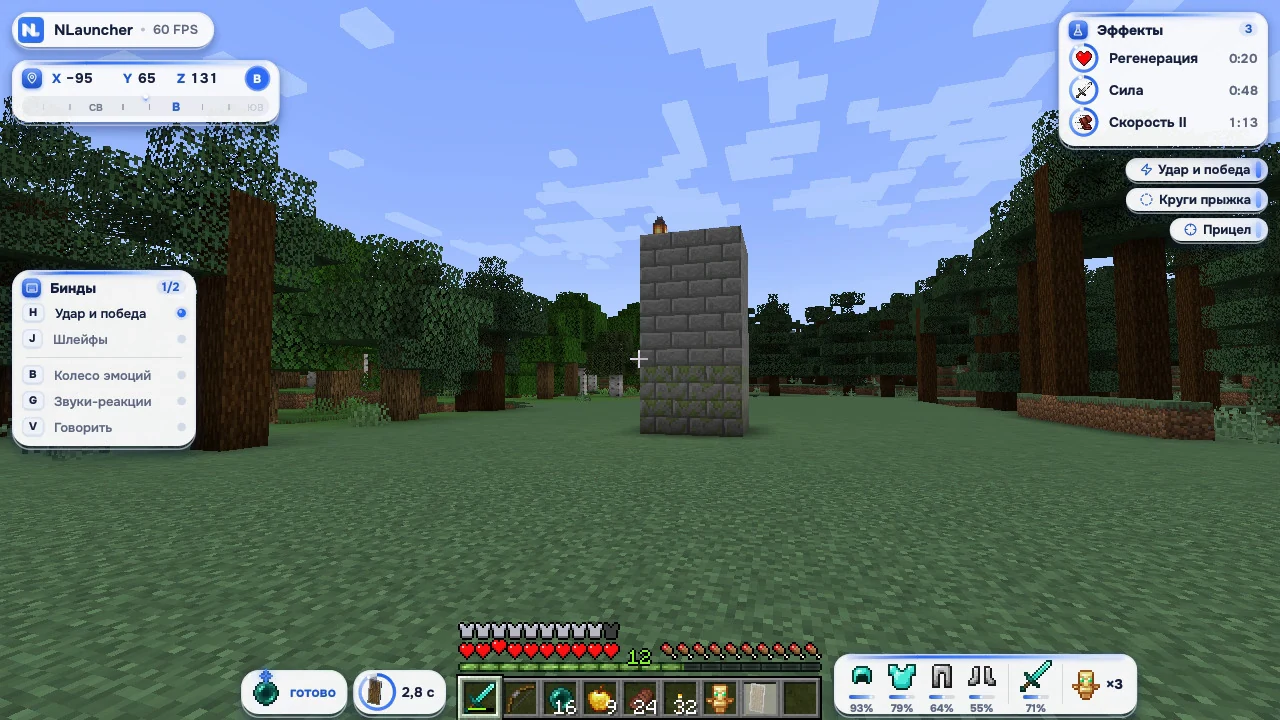
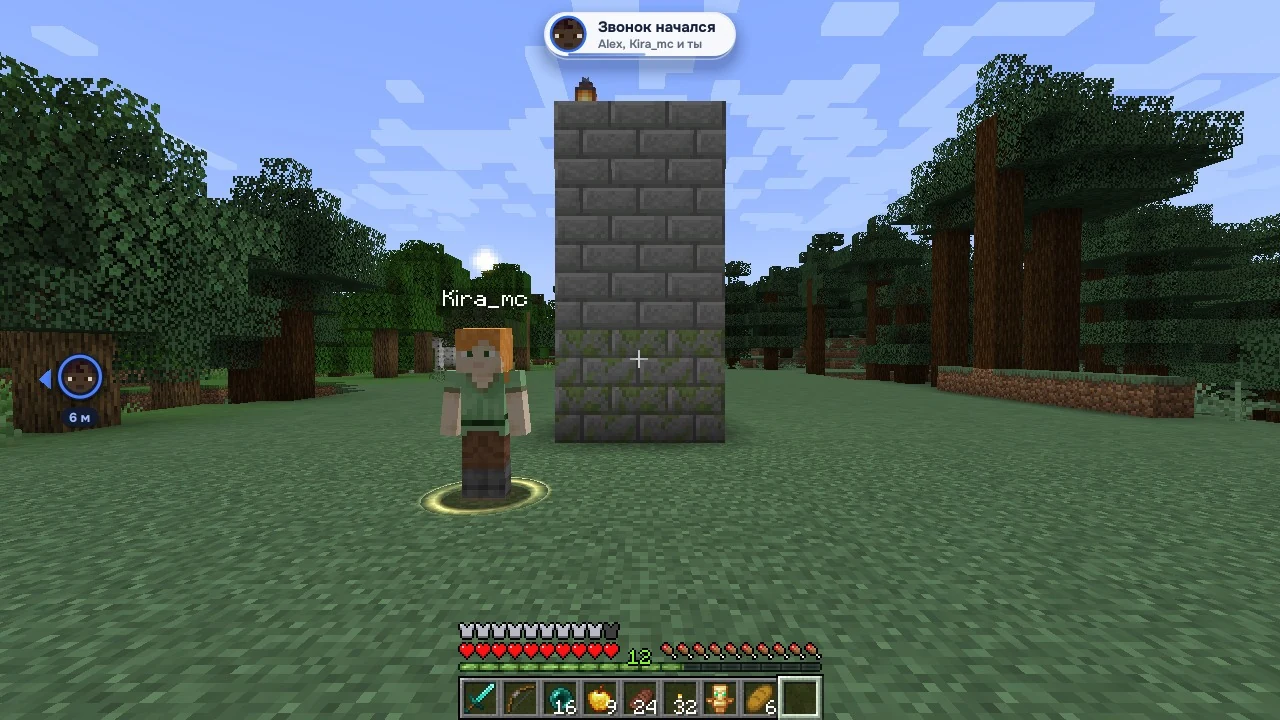
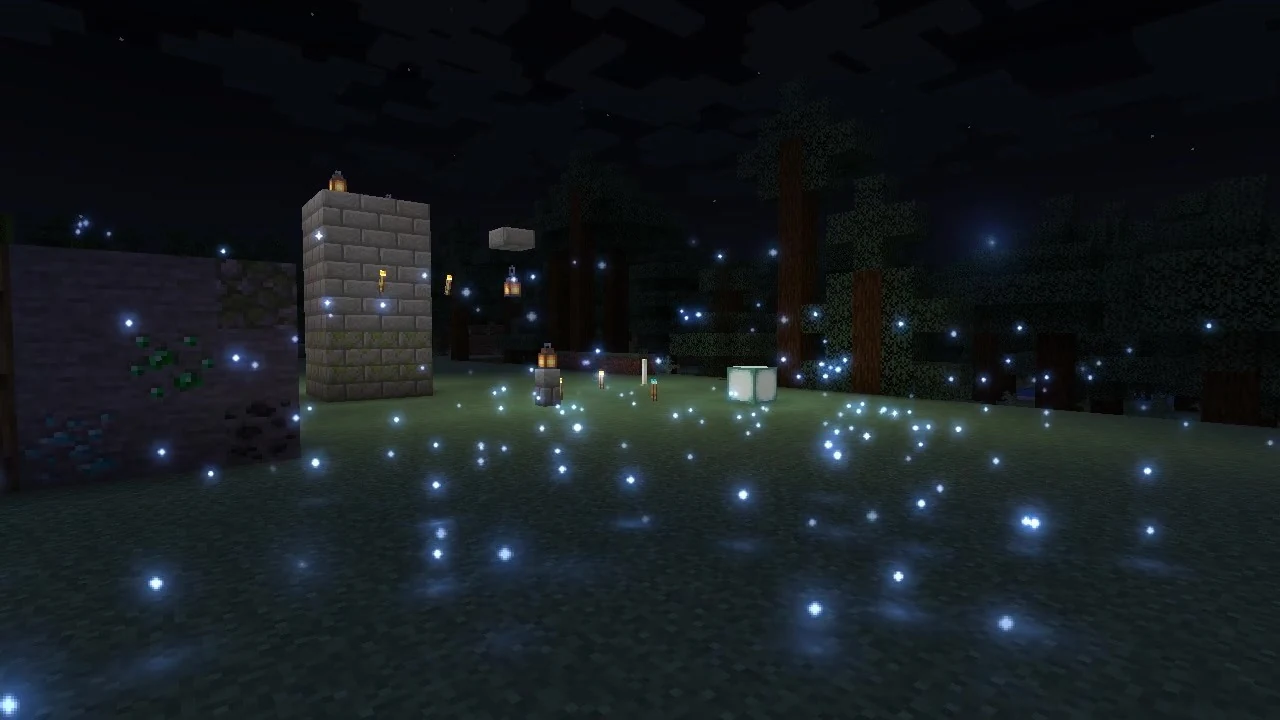
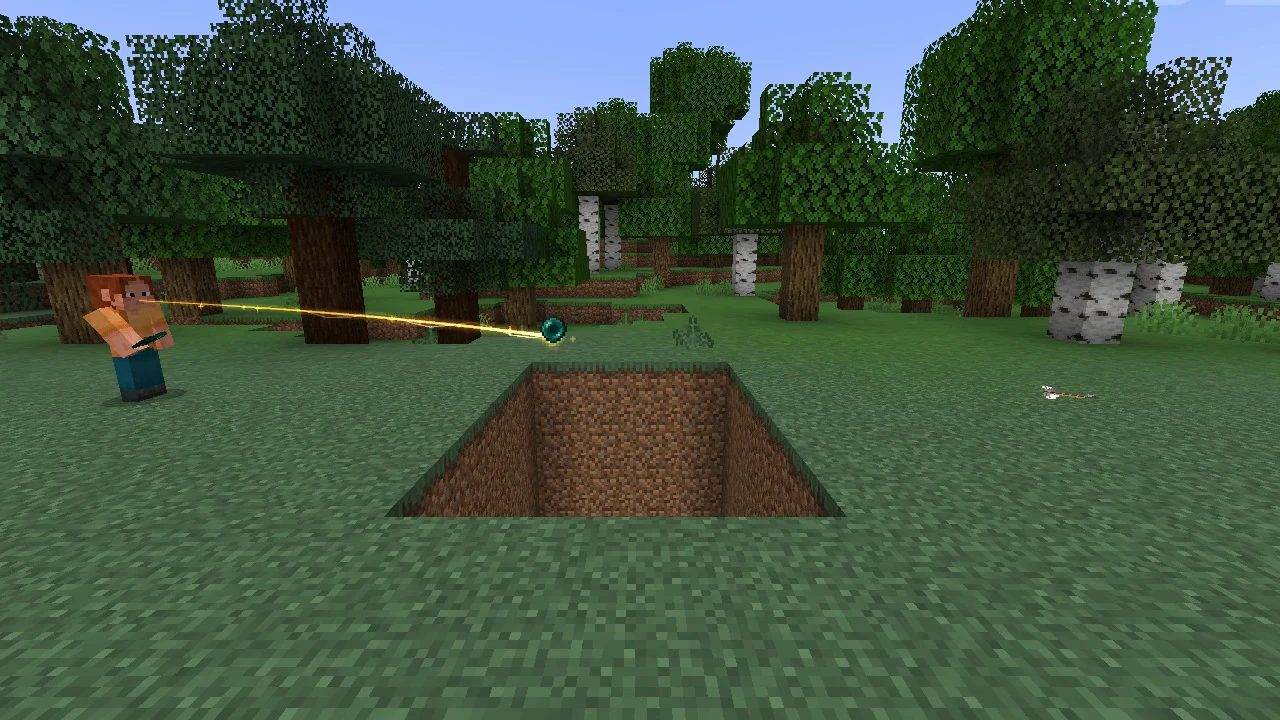
All fair play: nothing through walls and no automation — visuals only change how the game looks for you. Fabric 1.21.1 comes first. We’ll post separately when it’s ready.
How to update
There’s nothing to do: open the launcher — it downloads the new version and restarts by itself. Your account, friends, NLcoin, modpacks, worlds and items are all there.
Windows 10 and 11 (64-bit) · macOS 12 and newer on Apple Silicon and Intel · Linux 64-bit: AppImage and .deb